
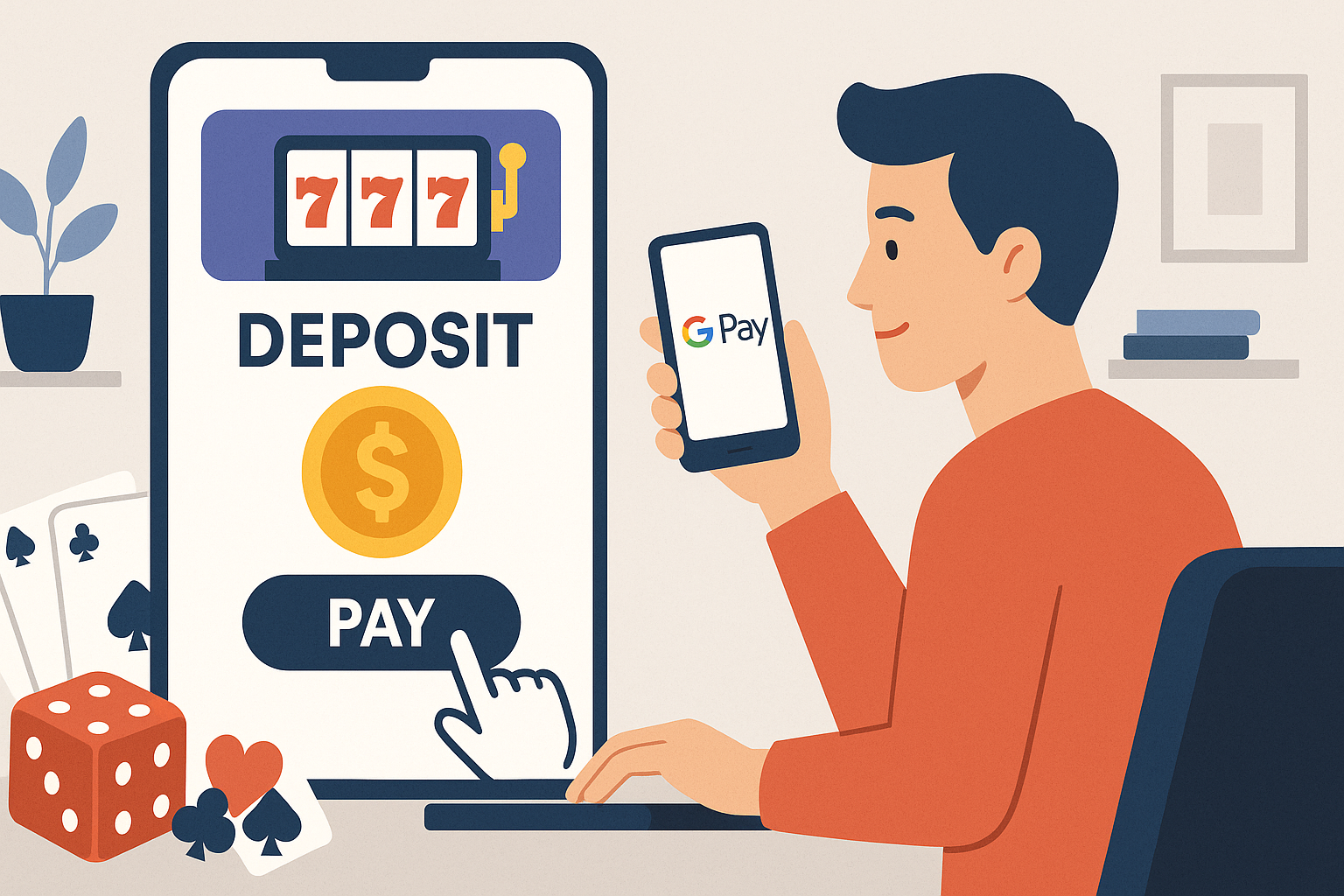
Understanding Google Pay for Online Casino Deposits
Google Pay has become a widely recognized digital wallet service that allows users to store payment information and complete transactions through their mobile devices or web browsers. For online casino players, this payment method offers a streamlined way to fund accounts without repeatedly entering card details or banking information.
Before using Google Pay for casino deposits, it is important to understand that availability varies by jurisdiction. Online gambling regulations differ significantly across regions, and not all casinos accept Google Pay in every location. Players must ensure they are accessing licensed platforms that operate legally in their area and comply with local gambling laws.
Setting Up Google Pay for Casino Transactions
To use Google Pay at an online casino, you must first have an active Google Pay account configured with a valid payment method. The setup process involves downloading the Google Pay app on your smartphone or accessing it through your Google account on a web browser.
Initial Configuration Steps
- Download the Google Pay app from the Google Play Store or Apple App Store
- Sign in using your existing Google account credentials
- Add a payment method such as a debit card, credit card, or bank account
- Verify your identity according to the prompts provided
- Set up any required security features such as PIN codes or biometric authentication
Once configured, your Google Pay account will store your payment information securely. This eliminates the need to enter card numbers each time you make a deposit at an online casino that accepts this payment option.
Making a Deposit at an Online Casino
The actual deposit process is relatively straightforward, though exact steps may vary slightly depending on the casino platform you are using.
Step-by-Step Deposit Process
First, log into your online casino account using your username and password. Navigate to the cashier section, which may also be labeled as "Banking," "Deposits," or "Payment Methods" depending on the platform design.
Within the cashier area, look for Google Pay among the available deposit options. Some casinos list it prominently, while others may include it under categories like "E-wallets" or "Digital Wallets."
Select Google Pay as your preferred deposit method. You will then need to enter the amount you wish to deposit. Most casinos set minimum and maximum deposit limits, which are typically displayed on the payment screen. Ensure your desired amount falls within these parameters.
After entering the amount, you will be redirected to authenticate the transaction through Google Pay. This may occur within the casino interface or through a separate Google Pay window. Complete the authentication using your established security method, whether that is a PIN, fingerprint, or facial recognition.
Once authenticated, the transaction will process, typically within seconds. The funds should appear in your casino account balance almost immediately, allowing you to begin playing without significant delay.
Important Considerations and Limitations
While Google Pay offers convenience, there are several practical considerations to keep in mind when using it for online casino deposits.
Transaction Limits and Fees
Google Pay itself does not typically charge fees for transactions, but the underlying payment method you have linked may impose charges. Additionally, some online casinos may apply processing fees for certain deposit methods, though this is less common with digital wallets. Check both your payment provider's terms and the casino's fee structure before completing transactions.
Transaction limits are set by multiple parties: Google Pay has its own limits, your linked bank or card issuer may have restrictions, and the casino will enforce its deposit minimums and maximums. Be aware of all applicable limits to avoid transaction failures.
Geographic and Regulatory Restrictions
Google Pay's availability for gambling transactions is not universal. Some regions prohibit using digital payment services for online gambling, while certain payment cards or banks may decline gambling-related transactions regardless of the method used.
Verify that online gambling is legal in your jurisdiction before attempting to deposit. Using payment methods to circumvent local restrictions can result in legal consequences and may violate casino terms of service, potentially leading to account suspension and forfeiture of funds.
Security and Responsible Banking Practices
Google Pay incorporates multiple security layers, including encryption and tokenization, which means your actual card details are not shared with the casino during transactions. However, personal responsibility remains essential.
Maintain strong security practices by using unique passwords for both your Google account and casino accounts. Enable two-factor authentication wherever possible. Monitor your transaction history regularly through both Google Pay and your casino account to identify any unauthorized activity promptly.
From a responsible gambling perspective, the convenience of digital wallets can make it easier to deposit quickly. Set personal deposit limits and budgets before you begin playing. Many casinos offer tools to help manage spending, including deposit limits, time restrictions, and self-exclusion options.
Withdrawals and Google Pay
It is worth noting that while many casinos accept Google Pay for deposits, withdrawal options are often more limited. Many platforms do not support withdrawals back to Google Pay, requiring players to use alternative methods such as bank transfers or other e-wallets for cashing out winnings. Check the casino's withdrawal policies before depositing to ensure you have a clear understanding of how you will access any winnings.
Understanding all aspects of payment processing, including both deposits and withdrawals, helps create a smoother experience and prevents surprises when attempting to access funds.